
You found the perfect image for your YouTube video. It’s labeled “Creative Commons” so you add it to your monetized content without a second thought. Three weeks later, you’re hit with a copyright claim. The problem? That CC license had restrictions you didn’t see coming.
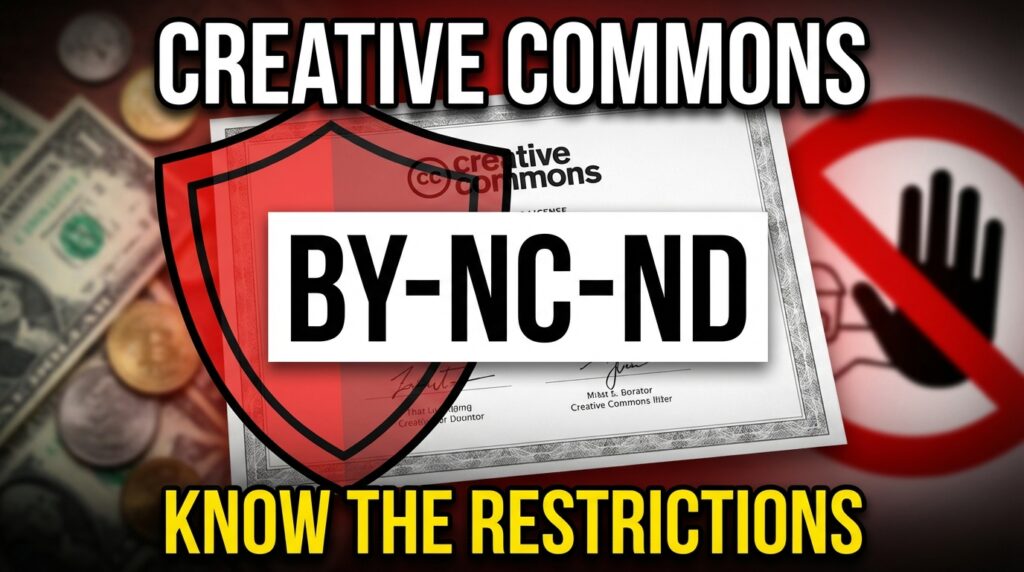
Creative Commons isn’t a free-for-all. These licenses come with specific rules that change based on the letters after “CC.” Get them wrong, and you’ll face takedown notices, lost revenue, or worse. The BY-NC-ND combination is one of the trickiest because it looks simple but carries three separate restrictions that catch people off guard.
Key Takeaways
- Verify the full license code before using any CC content—BY-NC-ND has three distinct restrictions
- Recognize that “Non-Commercial” blocks all monetized platforms, including ad-supported blogs and YouTube channels
- Confirm you can’t modify, crop, or edit BY-NC-ND content in any way
- Understand that attribution alone doesn’t cover you if the license prohibits commercial use
- Check whether your project qualifies as commercial based on revenue generation, not intent
What Creative Commons Licenses Actually Are
Creative Commons licenses give creators a standardized way to grant permissions for their work. Instead of saying “all rights reserved,” they specify exactly what others can do with photos, music, videos, or writing.
Six main licenses exist, each built from four basic elements. These elements combine differently depending on what the creator wants to allow. Think of them as building blocks—some licenses use all four, others use just one or two.
The system started in 2002 when copyright law didn’t offer middle ground. You either kept full control or gave everything away. CC filled that gap by letting creators share work while keeping some rights.
Breaking Down the BY-NC-ND Code
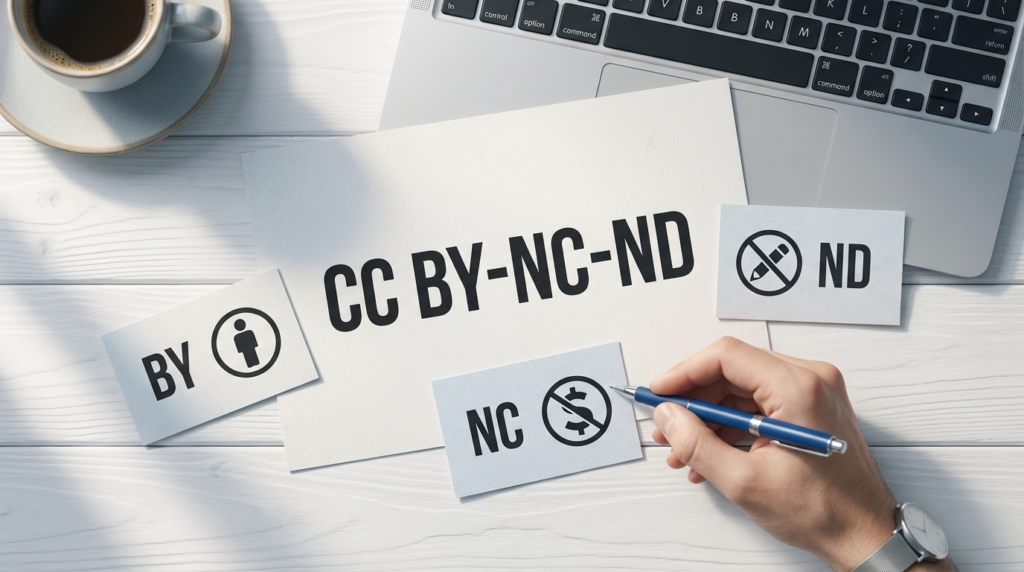
BY-NC-ND stands for Attribution-NonCommercial-NoDerivatives. Each part restricts your use in a different way.
BY (Attribution) means you must credit the creator. You can’t just grab the work and pretend it’s yours or that it came from nowhere. You need to name the creator, link to the license, and note if you made changes (though with ND, you can’t make changes anyway).
NC (NonCommercial) blocks any use that’s primarily intended for commercial advantage or monetary compensation. This trips up more people than any other restriction because “commercial” covers more than you’d think.
ND (NoDerivatives) means no modifications. You can’t crop the image, change colors, add text overlays, remix the music, or create anything based on the original work. You must use it exactly as the creator shared it.
The Attribution Requirement Explained
Attribution isn’t optional—it’s mandatory for every CC license that includes BY (which is all of them except CC0). Here’s what you need to include:
The creator’s name as they specified it. If they use a username or pen name, use that. Don’t substitute their real name if you know it.
A link to the original work. This helps people find the source and verify the license.
A link to the license itself. Users need to see the full terms, not just your interpretation.
An indication of changes (if the license allows modifications). Since BY-NC-ND prohibits changes, you’d state “No changes made” if you want to be thorough.
Many people think a small credit line buried in fine print counts as attribution. It doesn’t. The credit needs to be reasonably visible where you use the work.
What “NonCommercial” Actually Covers
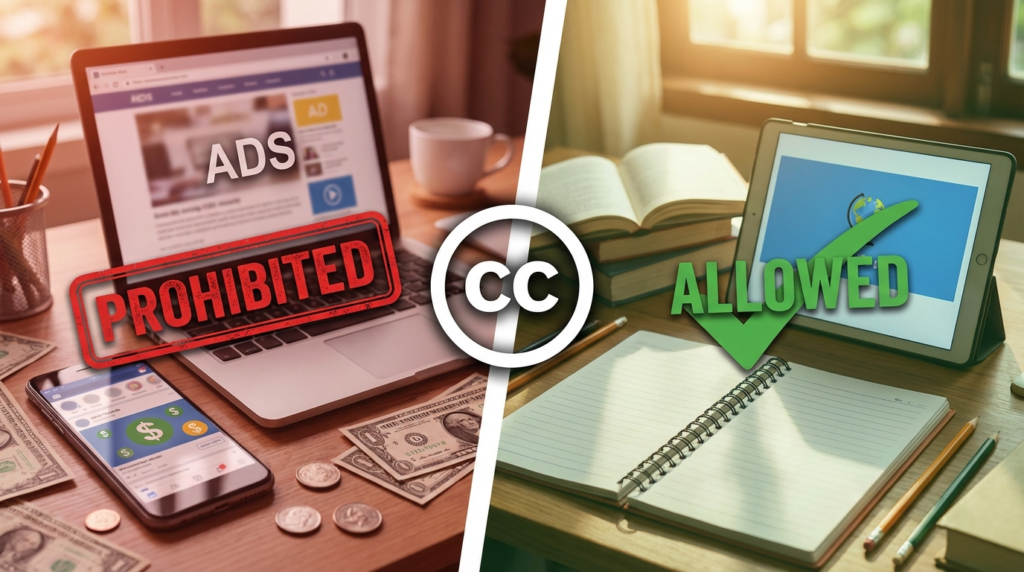
This is where most violations happen. NonCommercial doesn’t just mean “I’m not directly selling this image.” It covers any situation where the primary purpose involves making money.
| Use Case | Commercial? | Why |
|---|---|---|
| Monetized YouTube video | Yes | Generates ad revenue |
| Blog with Google AdSense | Yes | Earns from ads |
| Free app with in-app purchases | Yes | Monetization present |
| Portfolio on personal website | No | No revenue generation |
| Classroom presentation | No | Educational, no profit motive |
| Company internal training | Yes | Supports commercial entity |
Your website doesn’t need to make actual money for it to count as commercial. If you’re running ads, selling products, or building an audience to monetize later, you’re in commercial territory.
Nonprofits and educational institutions sometimes get confused here. A nonprofit’s promotional materials are still commercial use because the organization operates for a specific purpose that involves funding and operations. A teacher using content in a classroom is different from a university using it in marketing materials.
The NoDerivatives Restriction
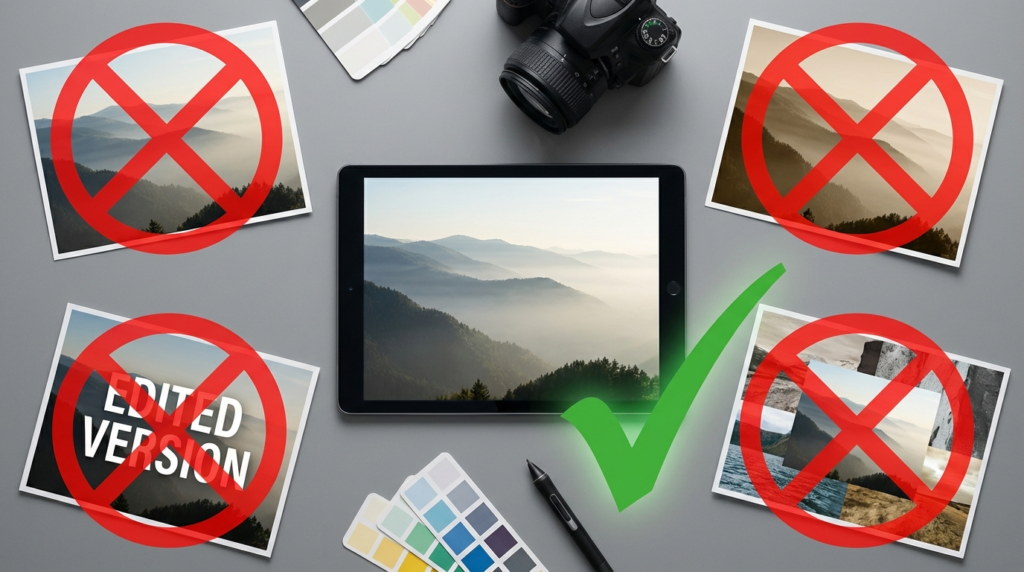
ND is the strictest modification rule in Creative Commons. You can’t alter the work at all. This includes:
Cropping or resizing images beyond what’s needed for technical display (like responsive web design). Changing colors, filters, or effects. Adding text, watermarks, or overlays. Combining it with other images in a collage. Translating text or subtitles. Remixing or sampling audio. Creating videos or slideshows from still images.
Some technical adjustments might be acceptable—compressing a file for web use or converting between formats to display it properly. But these are gray areas. The safer approach is to use the work exactly as provided.
You also can’t create derivative works based on the original. If someone releases a photo under BY-NC-ND, you can’t paint your own version of that photo or use it as inspiration for similar work that references the original.
Common Violations People Don’t Realize
Using CC images in client work. Even if you’re not selling the image itself, incorporating it into a website you’re building for a client makes it commercial. The client is paying you, and the work supports their business.
Screenshots containing CC content. If you take a screenshot of your screen that includes BY-NC-ND content and use that screenshot commercially, you’ve violated the license. The content is still restricted even when it’s part of a larger image.
Thumbnails that crop images. YouTube thumbnails, blog featured images, and social media previews often crop images automatically. With ND licenses, even automatic cropping could technically violate terms.
Using CC music in videos. You found a song marked CC and added it to your video. But if your video is monetized or promotes your business, and the song is BY-NC-ND, you’ve broken the rules. The music’s license doesn’t change just because it’s background audio.
How to Use BY-NC-ND Content Correctly
Start by verifying the exact license. Don’t assume “Creative Commons” means “free to use.” Look for the full code—BY, BY-SA, BY-NC, BY-NC-ND, BY-ND, or BY-NC-SA.
Check if your project is commercial. Ask yourself: Am I making money directly or indirectly from this? Does this support a business or monetization goal? If yes to either, BY-NC-ND won’t work.
Use the content exactly as provided. Don’t crop, edit, or modify it. If you need a different size or format, find content under a different license.
Provide proper attribution. Include the creator’s name, link to the original work, link to the license, and a statement that you made no changes.
Document your compliance. Keep records of where you found the content, what the license was, and how you attributed it. If questions come up later, you’ll have proof you followed the rules.
When to Contact the Creator Directly
Sometimes you need to use content in ways the license doesn’t allow. Maybe you want to use a BY-NC-ND photo in a commercial project, or you need to crop it to fit your design.
Reach out to the creator. Explain what you want to do and ask for permission. Many creators are willing to grant additional rights, especially if you’re transparent about your intended use.
Be specific in your request. Don’t just say “Can I use this?” Explain exactly how you’ll use it, whether it’s commercial, and what modifications you need to make. This helps the creator give you a clear answer.
Offer compensation if you’re using it commercially. Some creators might want payment for commercial use, while others might grant permission for free if they like your project.
Get permission in writing. An email saying “yes, you can use it” protects you if questions arise later. Save that correspondence.
Alternatives to Restricted CC Content
If BY-NC-ND doesn’t fit your needs, look for content under different licenses.
CC BY allows commercial use and modifications. You only need to provide attribution.
CC BY-SA allows commercial use and modifications, but you must share your derivative work under the same license. This works if you’re creating something you’re willing to share.
CC0 places work in the public domain. You can do anything with it, including commercial use, without attribution (though attribution is still good practice).
Stock photo sites with commercial licenses give you clear rights for business use. They cost money, but you won’t face takedown notices later.
Creating your own content takes more time but gives you complete control. You own it outright and can use it however you want.
How Platforms Handle CC Licensing
YouTube’s Content ID system scans for copyrighted material, including CC-licensed content. If you use BY-NC-ND content in a monetized video, you might receive a claim even if you attributed correctly. The license itself prohibits commercial use, so monetization violates terms.
Instagram and Facebook don’t verify CC licenses. You’re responsible for ensuring you have the right to use content, even if the platform doesn’t flag it. A creator can still report violations.
WordPress and website builders let you upload anything, but that doesn’t mean you have the legal right to use it. The platform isn’t checking licenses—you need to do that.
Print-on-demand services like Redbubble or Printful require you to confirm you own rights to any images you upload. Using BY-NC-ND content would violate their terms since you’re selling products.
What Happens If You Violate the License
The creator can send a takedown notice. Platforms usually comply quickly, removing your content without waiting for your side of the story.
You might lose monetization. YouTube can remove ads from videos that violate copyright, even if the video stays up. You lose revenue you’ve already earned.
The creator could demand payment. Since you used their work commercially without permission, they can ask for licensing fees retroactively. This can be expensive.
In extreme cases, legal action is possible. Most creators start with takedown notices, but repeated or flagrant violations can lead to lawsuits, especially if the use generated significant revenue.
Your account could face penalties. Multiple copyright strikes on YouTube lead to channel termination. Other platforms have similar policies.
FAQs
Can I use BY-NC-ND content on my personal blog if it has ads?
No. Ads make your blog commercial, even if you’re not directly selling products. The NC restriction blocks this use.
Does giving credit let me ignore the NC or ND restrictions?
No. Attribution is separate from the commercial and derivative restrictions. You must follow all parts of the license, not just the attribution requirement.
Can nonprofits use NC-licensed content freely?
It depends. Educational and charitable uses often qualify as non-commercial, but if the nonprofit uses the content for fundraising or promotional materials, it’s commercial use.
What if I only use a small portion of BY-NC-ND content?
The license applies to the entire work and any portion of it. Using a small section doesn’t exempt you from the restrictions.
Conclusion
BY-NC-ND licenses aren’t impossible to work with—you just need to match them to non-commercial projects where you’ll use content exactly as provided. Before you download anything labeled Creative Commons, read the full license code. Check if your project makes money or supports a business. Verify you don’t need to edit or modify the content.
If the restrictions don’t fit, find different content or contact the creator for custom permission. Taking these steps now prevents headaches later when you’re facing copyright claims on published work.
What CC license restrictions have caught you off guard? Drop your experiences in the comments.