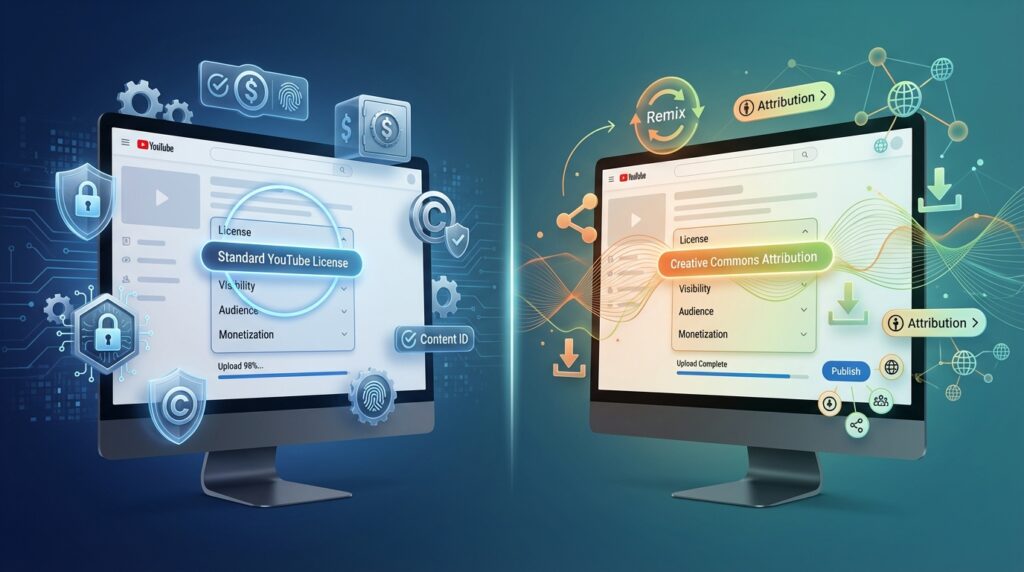

You’ve just finished editing your video, written the perfect title, and now you’re staring at YouTube’s upload screen. There’s a dropdown menu that says “License” with two options: Standard YouTube License and Creative Commons Attribution. Most creators click right past this without thinking twice—but that choice affects whether someone can legally remix your content or if you maintain full control.
The confusion is real. You want people to see your work, maybe even share it, but you’re not sure if picking Creative Commons means anyone can steal your video and monetize it. Or maybe you’ve heard that sticking with Standard License keeps you safer, but you’re missing out on potential exposure. This decision isn’t just technical jargon—it directly impacts your content’s reach, protection, and how other creators can interact with your work.
This article breaks down exactly what each license means, when to use them, and what happens to your video under each option.
Key Takeaways
- Standard YouTube License restricts others from downloading or remixing your original content without permission
- Creative Commons Attribution allows anyone to reuse, edit, and redistribute your video as long as they credit you
- Choose Standard License when you want full control over monetization and commercial use of your content
- Choose Creative Commons when you want maximum reach and don’t mind others building upon your work
- You can change your license choice anytime after upload, but downloads made under CC remain legal
What Standard YouTube License Actually Means
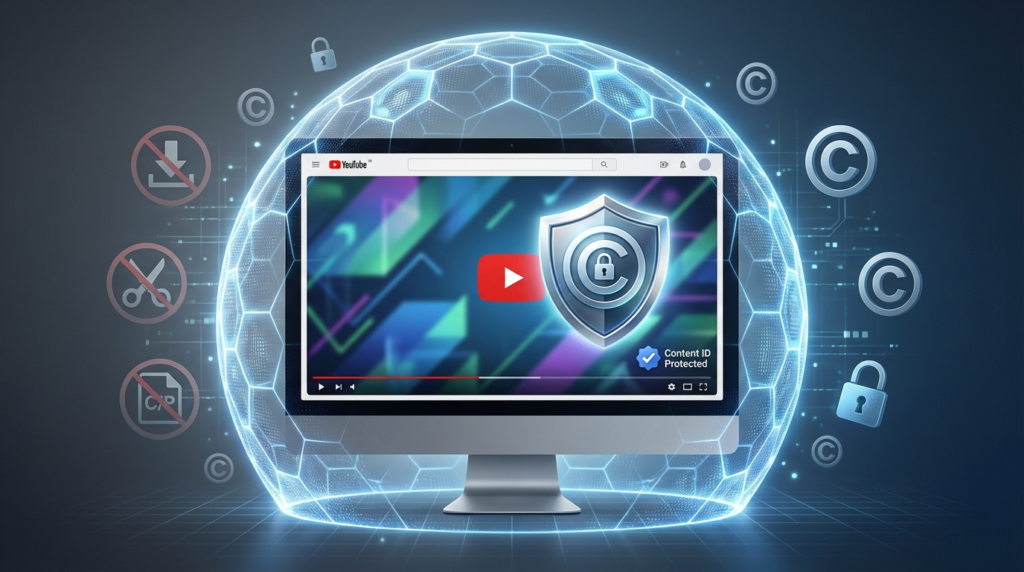
When you select Standard YouTube License, you’re keeping traditional copyright protection. YouTube stores your video, but you retain all rights to the content. Nobody can legally download your video, re-upload it, or use clips from it without your explicit permission.
This is YouTube’s default setting for good reason. It gives you maximum control. Other people can watch, like, comment, and share the link to your video—that’s it. If someone wants to use even a 5-second clip in their own video, they technically need your permission or they risk a copyright claim.
The Standard License works through YouTube’s Content ID system. If you’re in the YouTube Partner Program, Content ID can automatically detect when someone uses your content elsewhere on the platform. You’ll get notified and can choose to block the video, monetize it yourself, or just track where it appears.
Here’s what’s protected under Standard License: the video itself, your audio, any graphics or animations you created, and your editing choices. Even if someone films the same topic, they can’t just take your specific footage.
How Creative Commons Attribution Works on YouTube
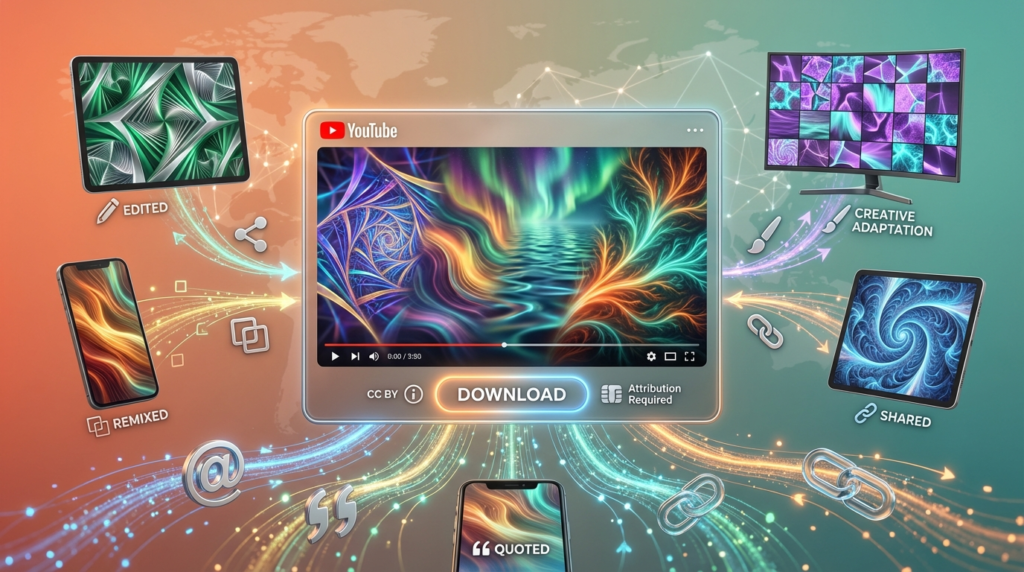
Creative Commons Attribution (CC BY) takes the opposite approach. You’re essentially telling the world: “Go ahead and use this, just give me credit.”
Under CC BY, anyone can download your video, edit it, add it to their own projects, or even use it commercially—without asking you first. The only requirement is attribution. They must credit you as the original creator and link back to your video.
YouTube makes this easy with a built-in download button that appears on CC-licensed videos. The file downloads in 720p quality (or the original resolution if it’s lower). This isn’t some hack or workaround—it’s an official feature specifically for CC content.
The license is permanent for each download. If you upload a video as Creative Commons and someone downloads it today, then you switch to Standard License tomorrow, that person can still legally use the version they downloaded. You can’t retroactively revoke CC permissions.
Creative Commons on YouTube specifically uses the CC BY 3.0 license. This is one of the most permissive Creative Commons options. It allows both commercial and non-commercial use, modifications, and redistribution.
Standard License vs Creative Commons: Direct Comparison
| Feature | Standard YouTube License | Creative Commons Attribution |
|---|---|---|
| Download button | Not available | Visible to all users |
| Remixing allowed | No, requires permission | Yes, freely allowed |
| Commercial use by others | Prohibited | Allowed with attribution |
| Content ID protection | Full protection available | No Content ID claims possible |
| Monetization control | You control all revenue | Others can monetize remixes |
| Attribution requirement | N/A | Required for all uses |
When to Choose Standard YouTube License
Standard License makes sense for most creators in specific situations. If you’re building a brand or business around your content, you want that control. Your videos are assets, and Standard License protects them like any other intellectual property.
Creators who monetize through the YouTube Partner Program almost always choose Standard License. You can’t effectively run ads and collect revenue if people are downloading and re-uploading your exact content elsewhere. Content ID protection only works with Standard License.
Tutorial creators often stick with Standard License even though their content is educational. If you spent 20 hours editing a comprehensive Photoshop tutorial, you probably don’t want competitors downloading it and posting it on their own channels.
Vloggers and entertainment channels typically use Standard License because their content has personal branding value. Your personality, your editing style, your unique perspective—these things can’t be easily replicated, but the actual footage can be stolen if you’re not careful.
Business and marketing videos always need Standard License. If you’re promoting a product, service, or company, you can’t risk someone editing your video in ways that misrepresent your brand.
When Creative Commons Makes More Sense
Some creators actively want their content spread as far as possible. Educational channels that focus on teaching concepts rather than building a personal brand often choose Creative Commons. The goal is information sharing, not revenue protection.
Stock footage creators use CC BY strategically. They’ll post free stock video clips under Creative Commons to build reputation, then sell premium versions elsewhere. The free CC content acts as marketing.
Activists and advocacy groups frequently choose Creative Commons because they want their message amplified. If you’re trying to raise awareness about an issue, having other people remix and share your content helps more than restricting it.
Open-source project creators benefit from Creative Commons. If you’re documenting code, showing off free software, or contributing to communal knowledge bases, CC BY aligns with that philosophy.
Musicians releasing their work under Creative Commons can gain exposure. When other creators can legally use your music in their videos, you potentially reach audiences you’d never find otherwise. Just know that you’re giving up direct monetization control.
What Happens to Your Monetization
Standard License lets you collect all ad revenue from your videos if you’re in the Partner Program. Nobody else can run ads on your content without facing a copyright claim. You maintain complete commercial control.
With Creative Commons, your monetization gets complicated. You can still run ads on your original upload—YouTube doesn’t stop that. But if someone downloads your CC video and re-uploads it with their own ads, you can’t claim the revenue. That’s the tradeoff you accept with CC BY.
Some creators use a hybrid approach. They upload older content or less important videos as Creative Commons while keeping flagship content under Standard License. This gives them some of the exposure benefits of CC without risking their main revenue streams.
Sponsorships and brand deals work differently than ad revenue. If you have a sponsored video under Standard License, you control how that sponsor’s message appears. Under Creative Commons, someone could theoretically download your sponsored content and edit it in ways that change the sponsor’s messaging—which could violate your contract with that sponsor.
How Each License Affects Content Reuse
Standard License means any reuse requires permission. But here’s what confuses people: “fair use” still exists regardless of your license choice. Fair use is a legal doctrine separate from YouTube’s licensing system. Someone might legally use a clip from your Standard License video for commentary, criticism, news reporting, or educational purposes under fair use—even without your permission.
The difference is that fair use has limits and gray areas. Most people won’t risk it, so Standard License practically prevents casual reuse even though fair use technically exists.
Creative Commons removes all ambiguity. There’s no need to analyze whether something qualifies as fair use. If your video has CC BY, people can use it however they want as long as they provide attribution.
YouTube’s built-in editor has a Creative Commons library where creators can search for CC-licensed videos and edit them directly into their projects. Your video could appear there if you choose CC BY, giving it potential visibility to creators looking for content to remix.
Changing Your License After Upload
You can switch between Standard and Creative Commons anytime in YouTube Studio. Go to your video details, find the License dropdown, and change it. The switch happens immediately.
Here’s the catch: switching from Creative Commons to Standard doesn’t affect copies already downloaded. If 50 people downloaded your video while it was CC, they retain the legal right to use those copies even after you change the license. The CC BY grant is irrevocable for content already obtained under that license.
Switching from Standard to Creative Commons works cleanly. People who saw your video before the switch don’t suddenly gain new rights, but from the moment you change it, the download button appears and full CC permissions apply.
Some creators accidentally choose the wrong license during upload and panic. Don’t worry—you can fix it immediately without any permanent consequences, as long as nobody has downloaded it yet under Creative Commons.
Copyright Protection Under Each License
Standard License gives you YouTube’s full copyright protection toolkit. Content ID scans, manual copyright claims, and legal takedown options all function normally. If someone infringes your copyright, you have recourse.
Creative Commons limits your copyright options significantly. You can’t issue Content ID claims on CC-licensed content. You still own the copyright, but you’ve voluntarily given up the ability to restrict reuse. Your only remedy if someone violates the CC terms is if they fail to provide attribution.
If someone uses your CC video without crediting you, that’s the one violation you can pursue. They’re not honoring the license terms, so they don’t have permission to use the content. But if they do credit you, even if you don’t like how they used your video, you have no legal standing to object.
Third-party websites sometimes scrape YouTube videos. With Standard License, that’s clearly copyright infringement. With Creative Commons, it’s legal as long as they credit you and link to your original video.
Real-World Scenarios and Recommendations
Gaming channels typically need Standard License. Your gameplay footage, commentary, and editing create unique value. Even though the game itself isn’t yours, your specific recording and presentation are protected intellectual property worth defending.
Educational institutions creating open courseware often choose Creative Commons. Universities like MIT and Khan Academy want their educational content reused and redistributed. The mission is teaching, not protecting video assets.
News and commentary channels face a decision. If you’re breaking original stories with your own footage, Standard License protects your work. If you’re analyzing existing news with fair use clips anyway, Creative Commons might help your commentary spread faster.
How-to and DIY channels sit in the middle. If you’re teaching basic skills that anyone can demonstrate, Creative Commons helps spread the knowledge. If you’ve developed a unique method or system, Standard License protects your intellectual property.
Product review channels usually choose Standard License. Companies send you free products specifically for your review and your audience. You don’t want competitors just downloading and re-uploading your review footage.
Common Misconceptions About Both Licenses
Many creators think Creative Commons means “no copyright.” Wrong. You still own the copyright; you’re just choosing not to enforce certain restrictions. You can still require attribution and you still created the work.
Some believe Standard License prevents all sharing. Not true. People can still share links, embed videos, and create playlists. The restriction is on downloading and reusing the actual content file.
There’s confusion about whether Creative Commons means you can’t make money. You absolutely can monetize CC videos on your own channel. The limitation is that you can’t stop others from also making money using your CC content.
Creators sometimes think they need expensive copyright registration before choosing Standard License. YouTube’s system works whether or not you’ve registered copyright with the U.S. Copyright Office. Registration only matters if you pursue legal action in court.
How Platform Guidelines Interact With Licenses
YouTube’s Terms of Service apply regardless of which license you choose. Both Standard and Creative Commons creators must follow community guidelines, copyright rules, and monetization policies.
Creative Commons licensed videos still can’t contain copyrighted music or footage you don’t have rights to. You can’t “Creative Commons” someone else’s copyrighted material just by uploading it to YouTube. The CC license only applies to content you actually own or have rights to license.
Standard License doesn’t override fair use. Educational channels, commentary creators, and news reporters can still use clips from your Standard License videos if their use qualifies as fair use under copyright law. Your license choice doesn’t change that.
Both licenses require you to have actual rights to the content. If you filmed a concert, you own the video file, but the music performance itself might be copyrighted. Your license choice only covers the parts you actually control.
FAQs
Can I monetize videos under Creative Commons Attribution?
Yes, you can run ads on your CC-licensed videos. However, others can also download and monetize their versions of your content. You earn from your upload, but you can’t claim revenue from remixes.
Will changing from Standard to Creative Commons hurt my channel?
Not automatically. Views, subscribers, and existing revenue aren’t affected by the license change itself. The risk is that someone might download and repost your content, potentially competing with your original for views.
Can I use Standard License for some videos and Creative Commons for others?
Absolutely. Each video has its own license setting. Most creators use Standard as default and only choose CC for specific videos they want widely shared.
What happens if someone uses my Creative Commons video without attribution?
They’ve violated the license terms, which means they don’t have permission to use your content. You can file a copyright claim against them for failing to meet the CC BY requirement of proper attribution.
Conclusion
Your license choice comes down to what you value more: control or reach. Standard YouTube License keeps your content protected and gives you full monetization rights, but limits how others can interact with your work. Creative Commons Attribution maximizes distribution and allows remixing, but you surrender the ability to restrict commercial reuse.
For most creators building a channel as a business, Standard License is the safer default. You can always switch specific videos to Creative Commons later if you want them widely distributed. For educators, advocates, and creators prioritizing message over monetization, Creative Commons opens doors that Standard License keeps closed.
Check your current videos in YouTube Studio and verify your licenses match your goals. If you’re planning to join the Partner Program or pursue sponsorships, make sure you’re using Standard License to protect your revenue streams.
Which license are you using for your videos, and has it worked out the way you expected? Drop a comment below—your experience might help other creators make this decision.