
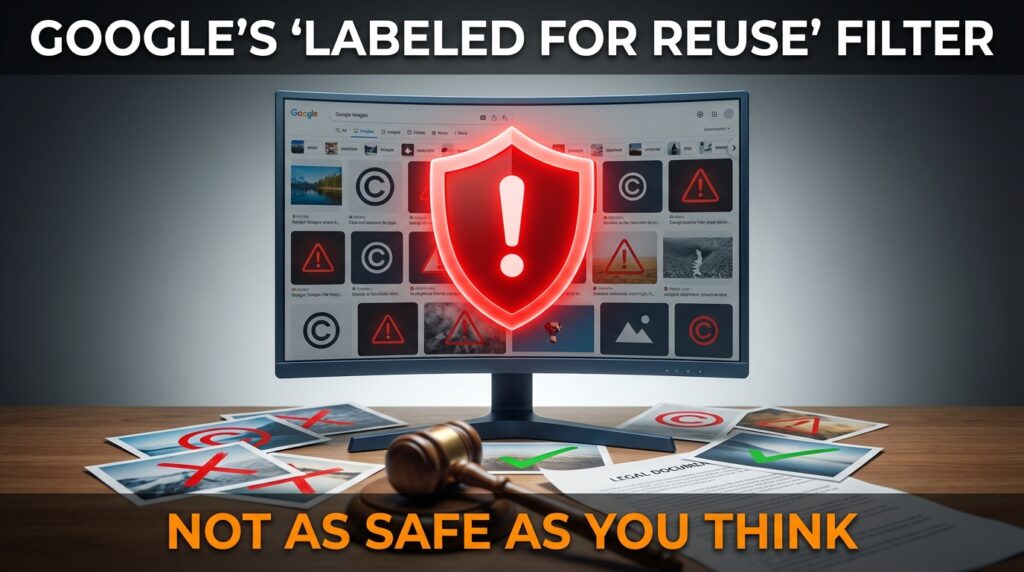

You’ve probably done this before: you need an image for your blog, presentation, or social media post. You head to Google Images, click on “Tools,” select “Usage rights,” and filter for “Creative Commons licenses” or “Labeled for reuse.” Problem solved, right?
Not quite. Here’s what most people don’t realize: Google’s license filter doesn’t verify anything. It’s essentially a guess based on metadata and website claims. The filter crawls websites looking for license declarations, but it can’t confirm if those declarations are legitimate, current, or even placed by the actual copyright holder. You could easily grab an image marked “free to use” that’s actually protected, and the first you’ll hear about it might be a cease-and-desist letter demanding $800.
This isn’t a theoretical problem. Copyright trolls actively exploit this confusion. They upload copyrighted images to sites with misleading license information, wait for people to use them, then send mass settlement demands. Even if you’re technically in the right, fighting these claims costs time and money most people don’t have.
Key Takeaways
- Google’s license filter relies on unverified metadata and can’t confirm actual permissions
- Use dedicated stock photo sites like Unsplash, Pexels, or Pixabay for safer alternatives
- Check the specific license terms on the source website, not just Google’s filter results
- Save proof of where you found the image and the license terms displayed at download
- Understand that “Creative Commons” isn’t automatically free—some CC licenses prohibit commercial use
- Consider reverse image searching any image before use to check its actual origin
Why Google’s Filter Fails So Often
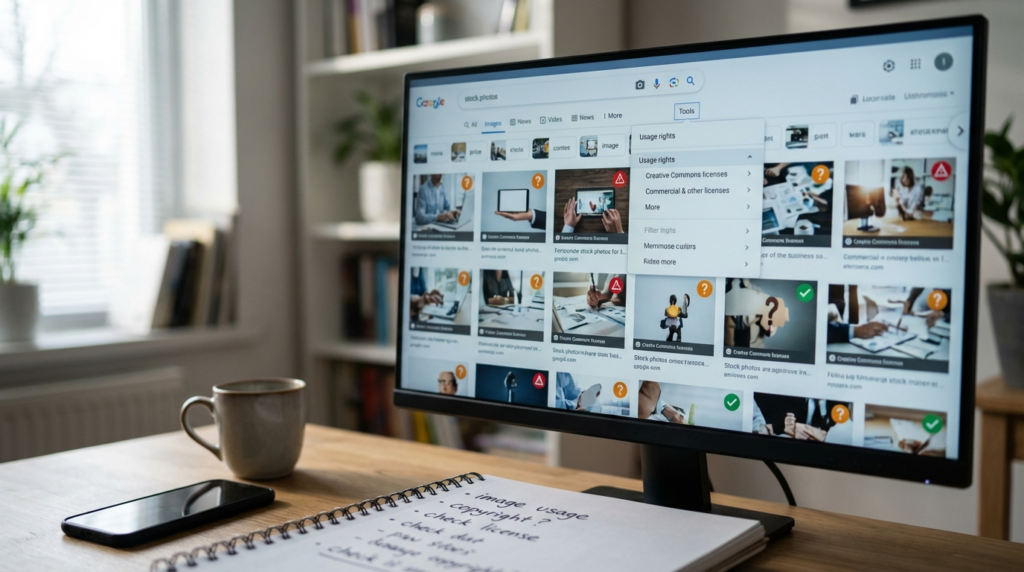
Google’s image license filter works by scanning websites for structured data and license declarations. When a site claims an image is under Creative Commons or public domain, Google takes that information at face value and includes it in filtered results.
The system breaks down in several ways. First, anyone can add license metadata to any image they upload, whether they own the copyright or not. A bad actor can steal a Getty Images photo, upload it to their blog with a “CC0 Public Domain” tag, and Google will happily show it in your “labeled for reuse” search.
Second, licenses can expire or change. A photographer might offer an image for free temporarily, then switch to paid licensing. Google’s crawler doesn’t check every image daily, so you might see outdated license information that was accurate six months ago but isn’t anymore.
Third, the filter can’t distinguish between someone claiming to offer a license and someone who actually has the legal right to do so. If I don’t own the copyright to a photo, I can’t grant you a Creative Commons license to use it—but Google has no way to verify ownership chains.
The Copyright Troll Problem
Copyright trolls have turned image licensing into a business model. They work like this: acquire or create images, upload them to multiple sites with loose or confusing license language, wait for people to download and use the images, then send demand letters claiming infringement.
These letters typically demand $750-$1,500 per image to settle. They’re carefully calibrated—high enough to be painful, low enough that hiring a lawyer to fight costs more than just paying. Many recipients pay immediately out of fear, even when they have valid defenses.
Some trolls get more sophisticated. They’ll upload images to Creative Commons repositories, leave them there for months while people download them, then quietly change the license terms or remove the images entirely. When they send their demand letters, the “free” listing you found is long gone, and you have no proof it ever existed.
What “Creative Commons” Actually Means
Creative Commons isn’t a single license—it’s a family of six different licenses with varying restrictions. Seeing “CC” next to an image doesn’t automatically mean you can use it however you want.
CC BY requires attribution. You must credit the creator, which many people forget to do. CC BY-SA adds a “share-alike” requirement—if you modify the image, you must release your new version under the same license. CC BY-ND prohibits modifications entirely. CC BY-NC bans commercial use, which includes blogs that run ads.
Then there’s CC BY-NC-SA (noncommercial plus share-alike) and CC BY-NC-ND (noncommercial plus no modifications). Only CC0 represents a complete waiver of rights, placing the image in the public domain with no restrictions.
Google’s filter doesn’t always distinguish between these variants clearly. You might filter for “labeled for reuse with modification” and still see CC BY-ND images that prohibit exactly that.
How to Actually Verify Image Licenses
Start at the source. When Google shows you an image, don’t download it from Google. Click through to the original website and look for explicit license information on that page. Check if there’s a clear statement about usage rights, ideally with a link to the specific Creative Commons license.
Look for red flags on the source site. Is it a professional photographer’s portfolio? They probably aren’t giving away their best work for free. Does the site have ads or affiliate links? Images there might be commercial stock photos used under limited licenses that don’t extend to you.
Check the image’s history with reverse image search. Upload the image to Google Images or TinEye and see where else it appears. If it shows up on paid stock sites like Shutterstock or Getty, that’s a strong warning sign—someone along the chain probably doesn’t have the right to license it freely.
Read the actual license terms. Don’t just trust the label. If an image is marked CC BY, go read what CC BY actually requires at creativecommons.org. Make sure you can comply with those terms for your specific use case.
Better Alternatives to Google Images
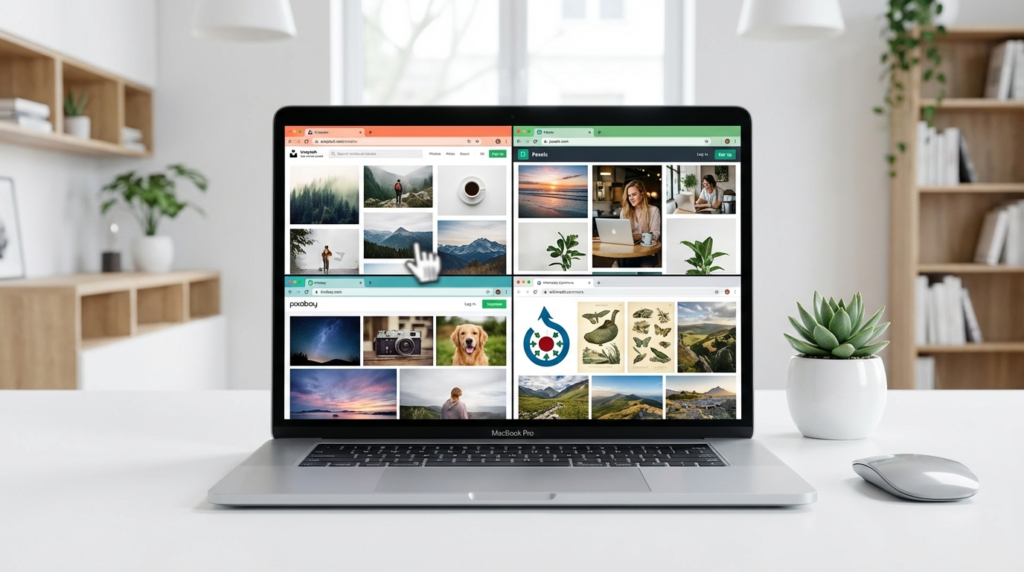
Dedicated stock photo sites offer much safer options. These platforms vet uploads, verify contributor rights, and clearly state usage terms.
| Platform | License Type | Commercial Use | Attribution Required | Content Volume |
|---|---|---|---|---|
| Unsplash | Unsplash License | Allowed | No | 3M+ images |
| Pexels | Pexels License | Allowed | No | 3M+ images |
| Pixabay | Pixabay License | Allowed | No | 2M+ images |
| Wikimedia Commons | Various CC licenses | Depends on specific license | Usually yes | 90M+ files |
Unsplash and Pexels both use custom licenses that grant broad usage rights without attribution requirements. Pixabay offers similar terms. All three review contributor uploads and maintain some quality control, though they’re not perfect.
Wikimedia Commons requires more caution. It hosts images under many different Creative Commons licenses, so you need to check each image individually. However, it’s backed by the Wikimedia Foundation, which takes licensing seriously and removes improperly licensed content when reported.
For absolute safety, consider paid stock photo services. iStock, Adobe Stock, and Shutterstock charge per image or subscription, but they indemnify you against copyright claims on properly licensed images. If someone sues you for using an image you licensed through them, they’ll defend the claim.
Protecting Yourself When Using Free Images
Document everything. Take screenshots of the page where you found the image, including the license information and date. Save the URL and any license text. If you’re ever challenged, this proof shows you made a good-faith effort to use properly licensed content.
Keep a record of where each image on your site comes from. A simple spreadsheet with columns for image filename, source URL, license type, and attribution details saves massive headaches later. When you need to prove you have permission to use an image, you’ll have everything in one place.
Provide proper attribution even when not strictly required. It takes 30 seconds to add a photo credit, and it provides evidence of good faith if licensing questions ever arise. Format it clearly: “Photo by [Photographer Name] on [Platform]” with a link to the source.
Consider using your own photos when possible. Anything you shoot yourself is yours to use however you want, with no licensing concerns. A mediocre photo you took beats a professional one with unclear permissions.
Special Situations and Edge Cases
Social media sharing creates confusion. Just because someone posted an image publicly on Instagram doesn’t mean you can download and use it elsewhere. Their act of posting doesn’t transfer copyright to you or place the image in the public domain.
Embedded images versus downloaded ones operate differently legally. Embedding an Instagram photo on your blog using official embed codes is generally fine—you’re just displaying content from its original source. Downloading that same image and re-uploading it to your server likely violates the original poster’s rights.
Government images follow different rules. US federal government works are public domain by law—photos from NASA, NIH, USDA, and similar agencies are free to use. State and local government works might have copyright protection. Foreign government works often do have copyright.
Old images aren’t automatically free. Copyright lasts for decades—in the US, anything published after 1928 might still be protected. A photo from the 1950s probably isn’t in the public domain yet. Check specific copyright terms for the country and creation date involved.
What to Do If You Receive a Demand Letter
Don’t panic and don’t immediately pay. Copyright trolls count on fear and ignorance. Many of their claims are questionable, and they often settle for much less than the initial demand if you push back.
Gather your documentation. Pull up those screenshots and records showing where you found the image and what license information was displayed. If you can prove you relied on apparently valid license information, you might have a good-faith defense.
Consult a lawyer who specializes in copyright law. Yes, this costs money, but a single consultation can help you understand if the claim has merit and what your real risks are. Many demand letters fall apart under scrutiny from someone who knows copyright law.
Consider whether the image was actually worth using. If you can simply remove it and move on, that might be your easiest path. If the troll is demanding $1,000 for an image you used once on a low-traffic blog post, deleting it and ignoring further contact might make economic sense.
Creating a Sustainable Image Strategy
Build relationships with photographers. Many are happy to grant usage rights for specific projects, especially if you’re a nonprofit or small business. Reach out directly, explain your use case, and ask about licensing. You might be surprised how reasonable people can be.
Invest in a stock photo subscription if you publish regularly. Services like Adobe Stock or iStock cost $30-50 monthly for limited downloads, but you get legal protection and professional-quality images. Compare that to a single copyright troll settlement.
Learn basic photography and editing. Modern smartphones take excellent photos. Spend a weekend learning composition basics, and you can create passable images for most blog or social media needs. Free tools like GIMP or Canva help with editing and graphic design.
Commission custom work when it matters. For key brand images, logos, or major campaign visuals, hiring a photographer or designer gives you exactly what you need with clear ownership. A $500 photo shoot might seem expensive until you compare it to years of licensing fees or litigation risk.
Frequently Asked Questions
Can I use an image if I credit the source?
Not necessarily. Attribution is only one possible requirement in some licenses. Many copyrighted images can’t be used even with credit unless you have explicit permission. Always check the specific license terms, not just whether you’re willing to give credit.
What if I modify an image—does that make it legal to use?
No. Modifying a copyrighted image creates a derivative work, which is still controlled by the original copyright holder. You need permission to create derivatives unless the image is licensed to allow modifications or is in the public domain.
Are images on Flickr safe to use?
It depends on each image’s individual license. Flickr hosts images under many different licenses—some all-rights-reserved, some Creative Commons, some public domain. Check the license information displayed on each specific image page before downloading.
How long should I keep documentation for images I use?
Keep it indefinitely for any image still published on your site. For removed images, maintain records for at least three years past removal—copyright claims can be filed up to three years after infringement in the US.
Conclusion
Google’s “labeled for reuse” filter gives you a starting point for finding free images, but it’s not a safety guarantee. The filter relies on unverified data and can’t protect you from copyright trolls or genuinely mistaken license information.
Your safest approach combines multiple strategies. Use dedicated stock photo sites like Unsplash or Pexels for most needs. When using Creative Commons images, verify the license at the source and document everything. Learn to shoot and edit your own photos for regular content needs. For critical projects, invest in paid stock photos or commissioned work.
The few extra minutes you spend verifying licenses now prevents expensive headaches later. Copyright claims are stressful and costly to fight, even when you’re in the right.
What’s your biggest challenge when finding images for your content? Have you ever had a licensing scare or received a demand letter? Share your experience in the comments.