
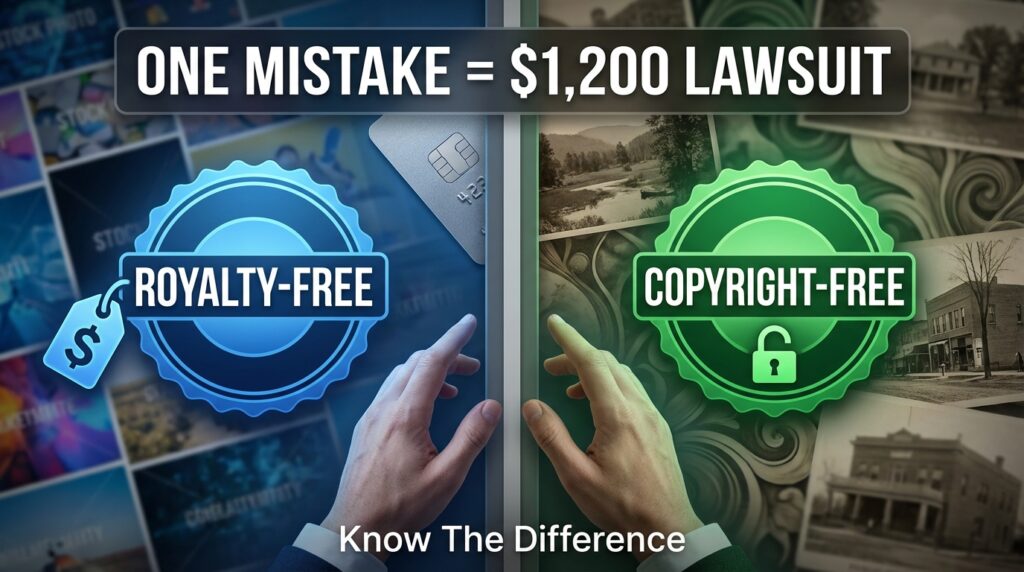

You found the perfect image for your blog. The site says “royalty-free,” so you download it and publish. Three months later, you get a letter demanding $1,200 for copyright infringement.
This happens every day because most people think “royalty-free” means “free to use however you want.” It doesn’t. And that confusion has turned into a lucrative business for companies that track down unauthorized usage.
The distinction between royalty-free and copyright-free isn’t just legal nitpicking. It’s the difference between safe usage and a potential lawsuit. Once you understand what these terms actually mean, you’ll know exactly when you can use an asset freely and when you need to slow down and read the fine print.
Key Takeaways:
• Royalty-free content still requires a license—you pay once but avoid ongoing royalties • Copyright-free (public domain) content has no owner and needs no permission • Free downloads don’t equal free usage rights • Always verify license terms before publishing any asset • Commercial use often requires different permissions than personal use
What Royalty-Free Actually Means
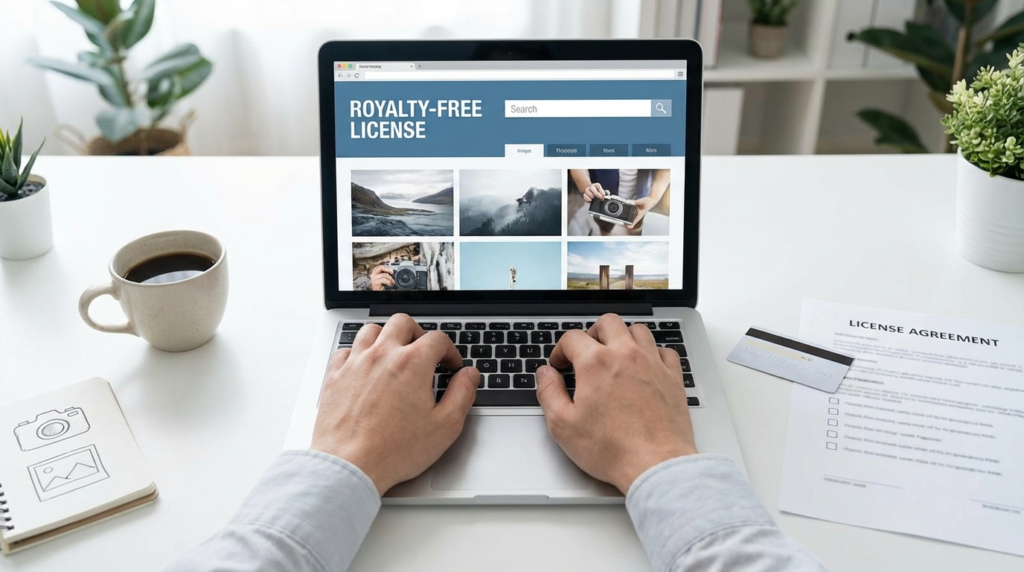
Royalty-free doesn’t mean the content is free. It means you won’t pay royalties every time you use it.
Here’s how it works: You buy or obtain a license once. After that, you can use the asset multiple times without paying additional fees. But—and this is critical—you still need that initial license. You’re paying for permission to use someone else’s copyrighted work.
Think of it like buying a song on iTunes. You pay once, you can listen to it as many times as you want. But you can’t use that song in your commercial video because the license you purchased only covers personal listening. The same principle applies to royalty-free images, music, and videos.
Most royalty-free licenses come with restrictions. Common ones include:
• No redistribution (you can’t resell the image or include it in templates) • Attribution requirements (credit the creator) • Usage limits (specific number of copies or impressions) • Restricted commercial applications (some uses need extended licenses)
Shutterstock, Adobe Stock, and iStock all operate on royalty-free models. You pay for a subscription or individual download, get a license, then use those assets according to the terms. Break those terms, and the copyright holder can come after you.
Copyright-Free Explained
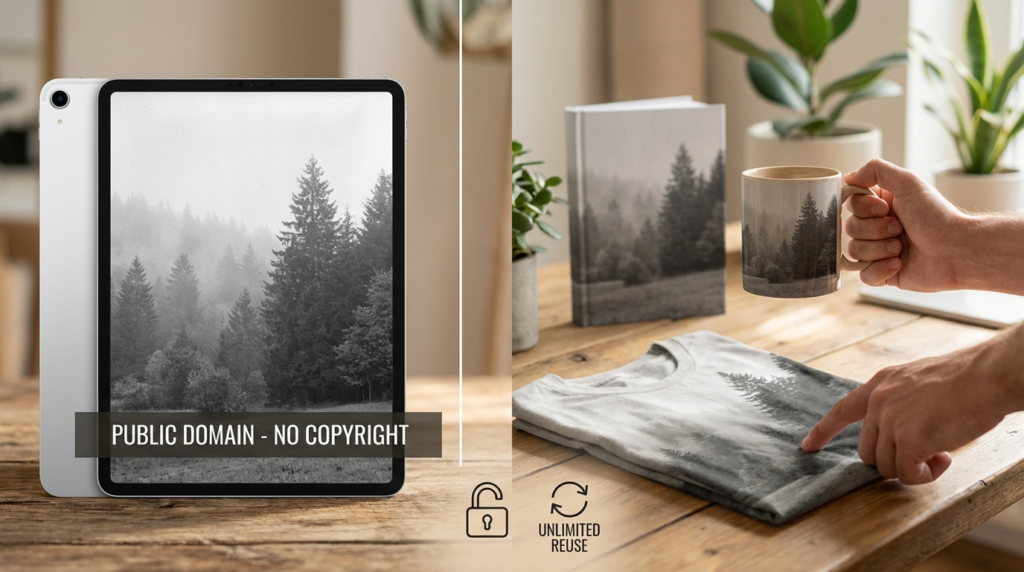
Copyright-free content belongs to no one. It’s in the public domain, meaning the copyright has either expired, been waived, or never existed in the first place.
When something is truly copyright-free, you can use it however you want. No permission needed. No attribution required. No license to buy. You can modify it, sell it, use it commercially—whatever you need.
Content enters the public domain through several routes:
Expired copyright: In the US, works published before 1929 are generally in the public domain. The rules get complicated for works created between 1929 and 1977, depending on whether copyright was renewed.
Government works: Most works created by US federal government employees as part of their job are automatically public domain. NASA photos, for example, are free to use.
Creator dedication: Artists can voluntarily place their work in the public domain using tools like CC0 (Creative Commons Zero).
Sites like Unsplash use CC0 for many of their images. When a photographer uploads under CC0, they’re giving up all copyright claims. You don’t need to credit them, though it’s considered polite.
But here’s where people get tripped up: Just because a site offers free downloads doesn’t mean the content is copyright-free. Pexels and Pixabay offer free licenses, but those are still licenses with terms you must follow.
The Real Difference That Matters
| Aspect | Royalty-Free | Copyright-Free |
|---|---|---|
| Ownership | Someone owns the copyright | No one owns it |
| License needed | Yes, always | No |
| Cost | Often requires payment | Truly free |
| Restrictions | Varies by license terms | None (public domain) |
| Attribution | May be required | Not required |
| Commercial use | Check license terms | Fully allowed |
The core difference: Royalty-free content has an owner who sets rules. Copyright-free content has no owner and no rules.
When you see “free stock photos,” don’t assume they’re copyright-free. Read what you’re actually getting. Sites use “free” to mean:
• Free to download with a license (still copyrighted) • Free for personal use only (commercial use costs extra) • Free with attribution required • Actually copyright-free (rare)
Common Misconceptions That Get People Sued
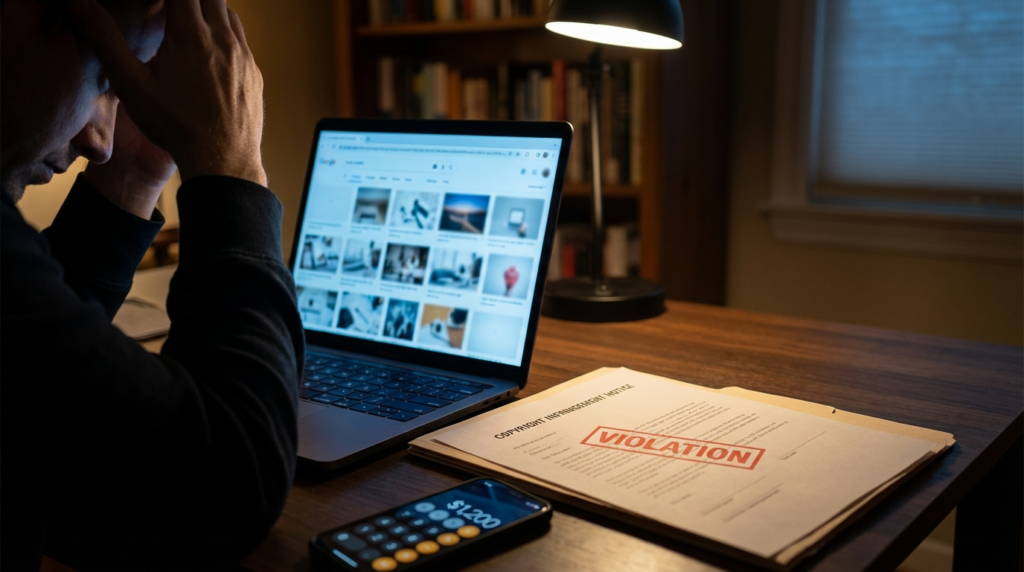
“I found it on Google, so it’s free to use.”
Google Images is a search engine. It shows copyrighted images from across the web. Finding something easily doesn’t grant permission to use it. Every image you see in Google results belongs to someone unless it’s explicitly in the public domain.
“The watermark was the only problem, so I removed it.”
Removing watermarks is often a separate violation that carries additional penalties. It shows intentional infringement, which can increase damages significantly.
“I’m not making money from my blog, so it’s fine.”
Personal use doesn’t automatically mean legal use. Many licenses prohibit any public distribution, even non-commercial. If your blog has ads, you’re making money anyway—that’s commercial use.
“I credited the photographer, so I’m covered.”
Attribution doesn’t replace permission. Giving credit is nice, but unless the license specifically allows usage with attribution, you still need proper authorization.
“It said ‘royalty-free’ so I didn’t think I needed to pay.”
The most expensive misunderstanding. Royalty-free describes the payment structure (one-time vs. ongoing), not the price (free vs. paid).
How to Verify What You Can Use
Before using any image, video, or audio file, follow this process:
Check the source. Where did you find it? Stock photo sites, artist portfolios, and search engines all have different implications. The source matters less than the license, but it’s your starting point.
Find the license. Look for terms of use, licensing information, or usage rights. Legitimate providers make this information easy to find. If you can’t locate clear licensing terms, don’t use the asset.
Read the specific permissions. Don’t skim. Check for:
• Commercial vs. personal use allowances • Attribution requirements • Modification permissions • Distribution restrictions • Geographic limitations • Time-based restrictions
Download proof of license. Save the license agreement, your receipt, and the download date. If questions arise later, you’ll need documentation showing you obtained proper permission.
When in doubt, contact the owner. If licensing terms are unclear, reach out. Most creators would rather clarify usage than deal with infringement issues.
Where to Find Truly Free Content
For copyright-free (public domain) content:
Unsplash offers thousands of high-quality images under CC0. Photographers voluntarily waive copyright. You can use these commercially, modify them, and you don’t need to provide attribution.
Pixabay provides a simplified license that’s close to public domain for most content. Double-check individual items, as some require Pixabay+ subscriptions for commercial use.
Wikimedia Commons hosts millions of public domain images, though licenses vary. Each file page lists the specific license—look for “Public Domain” or CC0.
Public Domain Review curates interesting public domain content from libraries and museums worldwide. Everything featured is genuinely free to use.
NASA Image Library contains photographs from space missions, all public domain as government works.
For royalty-free content with clear terms:
Pexels offers a generous free license for most uses. Read their license agreement—it’s straightforward and explains exactly what you can and can’t do.
Burst by Shopify provides free stock photos aimed at entrepreneurs. The license allows commercial use without attribution.
Freepik has both free and premium content. Free items often require attribution, so check each download.
Whatever source you choose, save documentation. Take a screenshot of the license terms when you download. Create a folder with your proof of permission for every asset you use.
What to Do If You’ve Already Made a Mistake
If you realize you’ve been using content incorrectly, don’t panic. Take action immediately.
Remove the content. Take down the infringing material from your site, videos, or wherever you published it. The longer it stays up, the worse your situation gets.
Document everything. Save evidence of when you removed it, where you found the original asset, and what you believed about its licensing at the time.
If you receive a demand letter, don’t ignore it. Copyright holders send these to resolve issues before filing lawsuits. Many will accept a reasonable settlement rather than pursue expensive legal action.
Consider getting proper licensing retroactively. Some rights holders will sell you the correct license to cover past usage. This can be cheaper than fighting a claim.
Don’t admit fault in writing without consulting a lawyer. Be professional and cooperative, but careful about what you commit to in emails or messages.
For future prevention, create a simple tracking system. Use a spreadsheet with columns for:
• Asset filename • Source/site where found • License type • Date downloaded • Link to license terms • Any special restrictions
This takes five minutes per asset and can save thousands in legal fees.
Frequently Asked Questions
Can I use royalty-free images on products I sell?
It depends on the specific license. Most royalty-free licenses allow use in products, but some restrict items for resale or require extended licenses for merchandise. Always check if “products for resale” or “merchandise” is explicitly permitted.
If I modify a royalty-free image, does that make it mine?
No. You can often modify royalty-free content (if the license allows), but the original copyright holder still owns the base image. Your modifications create a derivative work, which is still subject to the original license terms.
Are Creative Commons and royalty-free the same thing?
Not exactly. Creative Commons is a specific set of licenses (like CC BY, CC BY-SA) that define usage rights. Some CC licenses are similar to royalty-free (pay nothing, use multiple times with restrictions), while CC0 is essentially copyright-free. They’re related concepts but technically different.
Do I need to credit royalty-free content?
Check your specific license. Some require attribution, others make it optional, and some prohibit it. Don’t assume—the license you agreed to when downloading will specify whether credit is required.
Moving Forward With Confidence
The safest approach is simple: When you need an asset, assume it’s protected unless you can prove otherwise.
Look for clear licensing. If a site makes you hunt for usage terms or uses vague language, move on. Legitimate providers want you to understand what you’re getting because clarity protects both of you.
Budget for licensing if you’re doing commercial work. Free options exist, but paid stock sites offer better selection and clearer legal protection. One proper license costs less than one cease-and-desist letter.
Build a library of verified resources. Once you find reliable sources with licensing that fits your needs, stick with them. Consistency reduces risk.
Start every project by securing rights before creating content. Don’t build a website, video, or marketing campaign around assets you don’t have permission to use. Get licensing sorted first.
The difference between royalty-free and copyright-free comes down to one question: Does someone still own this, and what did they say I can do with it? Answer that question clearly for every asset you use, and you’ll avoid the expensive mistakes that catch thousands of creators every year.
What’s your biggest concern when choosing images or media for your projects? Drop a comment below—I’d like to know where people struggle most with licensing decisions.